Category Archives: Retro Computing

PDP-11/53 – Overview

PDP-11/53.

c133686b5125c2af093c309aea11a31b

I picked up this PDP-11/53 in Feb 2014. You can read a little about it here.

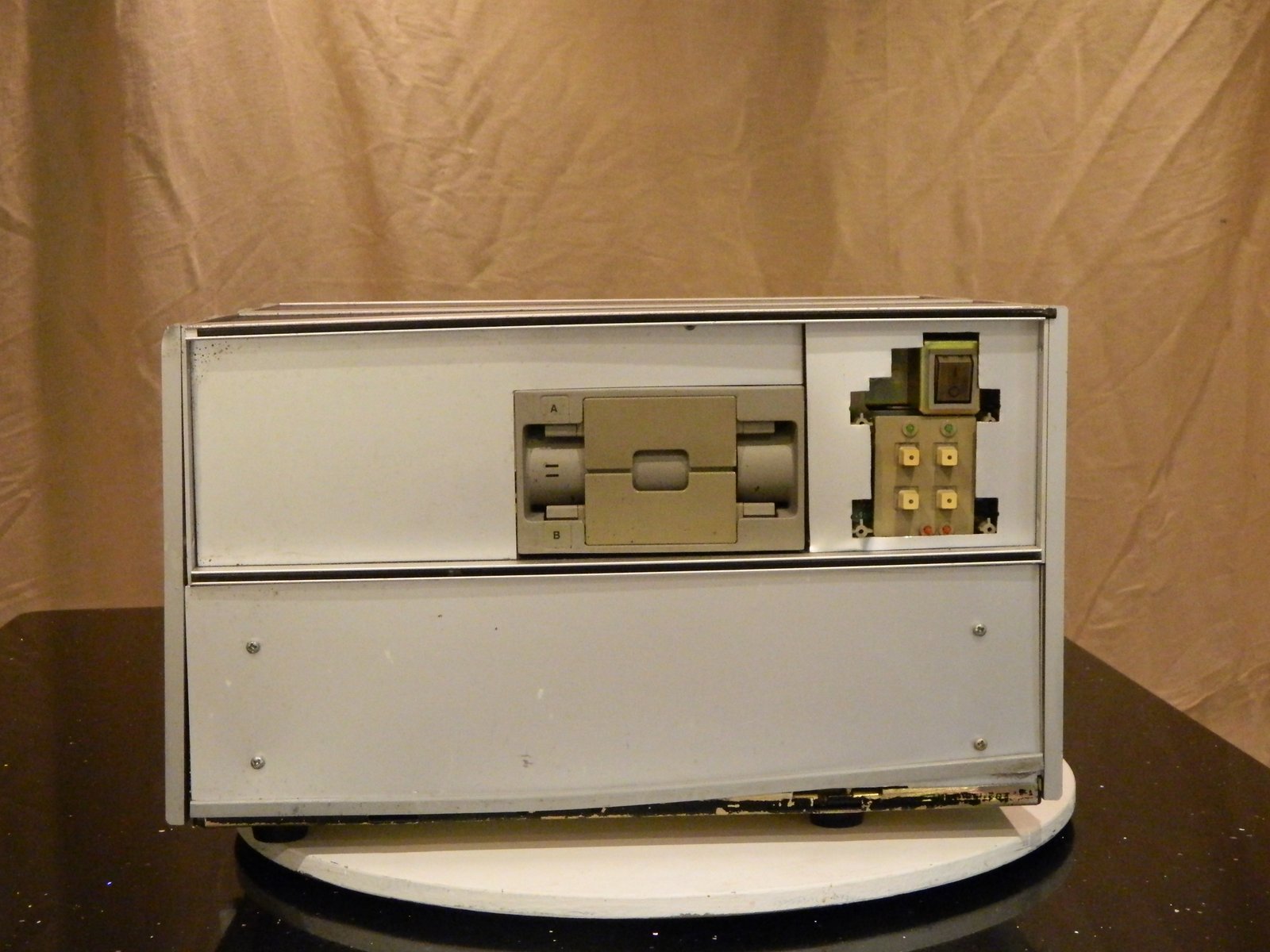
Case/Chassis.

Somewhat unorthodox to say the least but strangely practical. It appears that a previous owner has taken the card cage from a DEC chassis such as a BA-23 and mounted it in a 19″ cabinet. There is space above the card cage for a couple of full-height 5.25″ drives.

06deb3285e7f43917474be0687d2ae7dAt the back.

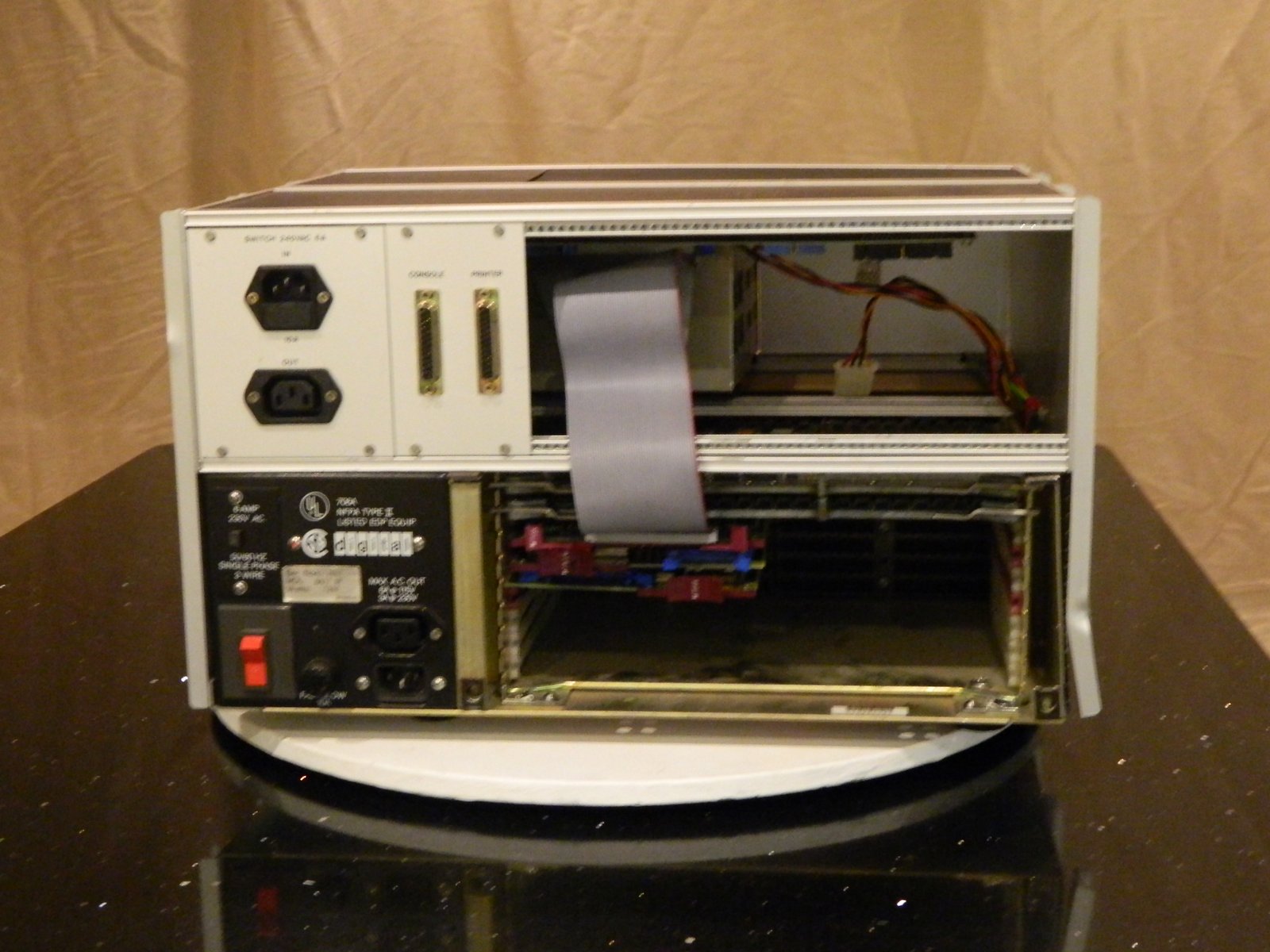
I haven’t followed the internal wiring through yet and so I haven’t found out why there are two mains sockets. When I run the machine I connect to the socket on the main PSU and use the switch on the back.

The card cage is completely exposed as you can see. Currently there is plenty of space for expansion.

Above the card cage is the space of drives and to the left of that an aluminium plate with 2, 25 way serial connectors. These are connected to the two serial ports on the processor board. One for the console the other is labelled “Printer” but is a general SIO. These are known as SLU0 and SLU1.

The Cards.

My machine has the following cards…

  • M7554 – CPU – KDJ11-DA Q J11 CPU 15MHz, 512-Kbyte RAM, 2 SLUs, LTC
  • M7551 – CA – Memory – MSV11-QC Q 4-Mbyte 22-bit parity/CSR MOS RAM
  • M7555 – Disk controller – RQDX3 Q MFM Winchester and floppy disk controller (RX50/RX33/RD50-54/RD31/RD32/RD33)
  • M7516 – Ethernet – DELQA-M Q Ethernet interface (replaces DEQNA)
  • M7546 – TK50 – TQK50-AA Q TMSCP controller for TK50 tape unit.


PDP-11/53 – Introduction

c133686b5125c2af093c309aea11a31b

The beginning

Towards the end of 2013 I started to think getting hold of a PDP11 of some form might be fun. I know there are excellent emulators out there but nothing is the same as actually using the real thing. It’s partly the “getting”. It’s partly the intangibles. Flicking the power switch and hearing the clunk of the switch, maybe relays, the fan. Watching the self test go through for the first time. On an emulator it will pass. On the real machine it might not. All or these things and more make me want to use a real computer rather than an emulator.

That’s not to say I won’t use an emulator. Let’s be pragmatic here. I’m sure as I write this that one will be an important part of getting the PDP-11 up and running. The easiest way of migrating files between different disk and tape formats seems to be to use an emulator such as SIMH.


Where to begin?

I am a long time fan of the Vintage Computer Forum and also the CCtalk mailing list. Every now and then something will come along on one of these two sources. Every six months to a year, someone’s collection will reach “critical mass” and they reach the point where a major clear out is needed. In the last few of these I’ve read about, the people concerned has accumulated large amounts of “Big Iron” and it seems as if they were just at the right place at the right time to get shed loads of stuff given to them.

So it seems with my PDP.

I saw a posting from someone with an industrial unit full of piles of stuff, Sinclair, BBC, Atari, etc. etc. and so on. There were a couple of things on my wish-list and so I got rid of a few pieces in my collection to make space and raise some funds and set off on a bit of a road trip.

I’d already inquired about the possibility of a PDP-11 but it was not my primary mission but when I got there and saw piles and piles of stuff it became clear that I’d probably have a DEC in the boot when I left.

380Z entering a hiatus…

The progress has been a bit slow on the 380Z front at the moment.

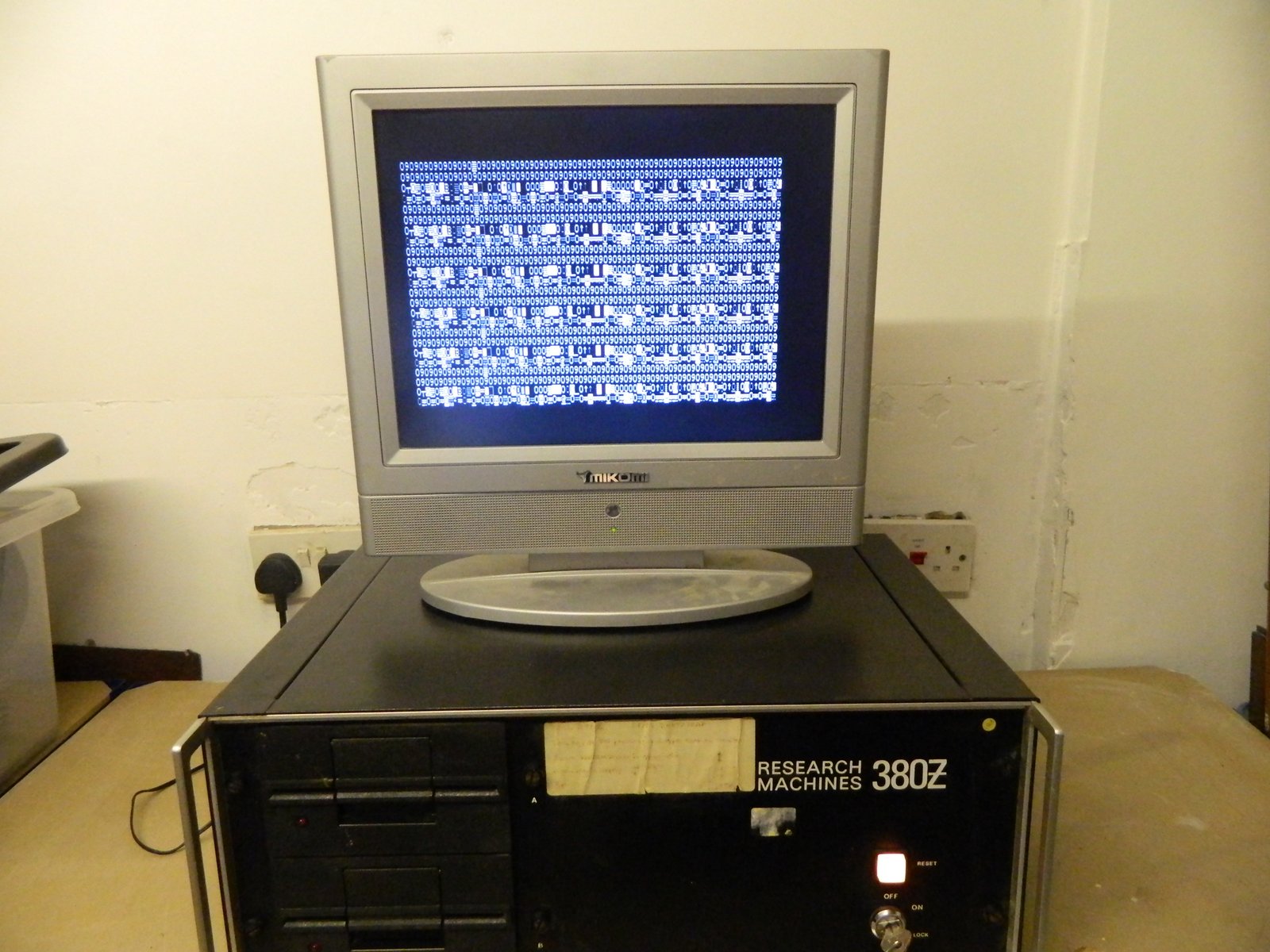
As you may have read, It displays nonsense on the screen and doesn’t do much else. I wondered if this was just a fault with the display controller card or more. At startup the machine is supposed to display a boot prompt and wait for a key press. however, I don’t have a keyboard. The keyboard interface is a simple parallel port with 8 bits for the decoded key code and a strobe to say that the data is ready. To try and make some progress I made a simple one key keyboard built into a 15 way connector.

All it does is permanently tie the lines needed to send a ‘b’ and then it has a push button on the strobe line. I push the button and the 380Z thinks I’ve pressed a ‘b’.


This didn’t change anything and so I think the problem is more with the logic board.


ROMS?

It has been suggested that the ROMS (EPROMS) might have lost their memory. I think their original life expectancy was only about 10 years and we’re way past that now. I would like to read them and compare them with the image files that I have. The chips used are TMS-2716, 2kx x8-bit EPROM from Texas Instruments. Their power requirements are the same as the 2708s and different to non-TI 2716s. I have been able to borrow an EPROM programmer and I have the needed adapter on order from the USA but unfortunately the seller has had some problems with his supplier and it’s taking longer than I had hoped.

When it gets here I’ll be on the case.


RML380Z


1a50742eaaa943789c01aa17ec71b930

Like a lot of people who were at school during the 1970/80 period, the first microcomputer I used was an RML380Z. It wasn’t the first computer I ever used, that was a DEC System 20 (IIRC), but this shiny black box was the first machine that I could sit at and get its full attention.


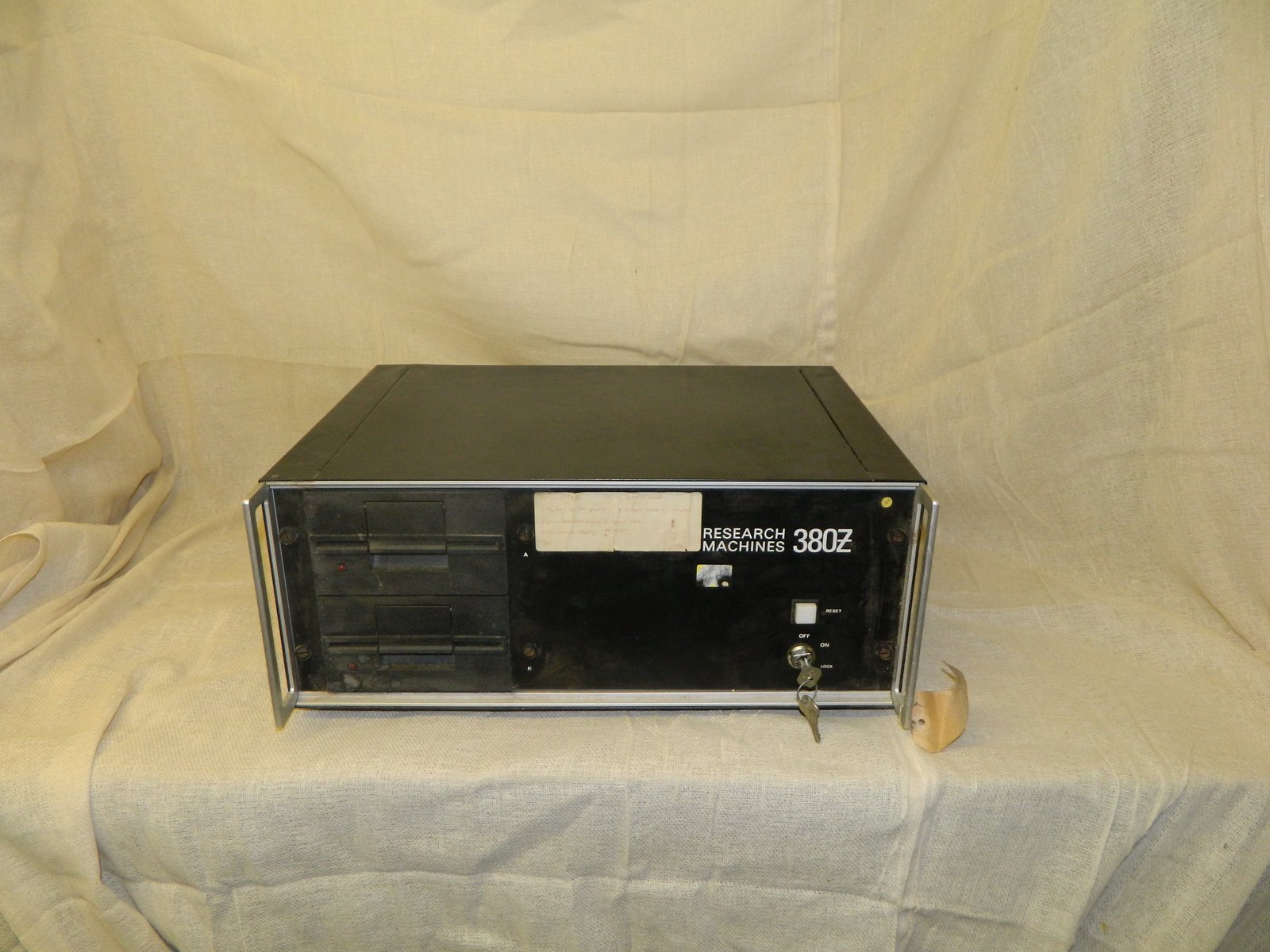
I have been wanting to get a 380Z for a number of years but the silly prices on ebay have made that impossible until now. A chance meeting with a fellow computer collector led to me getting the example you see in the photo.

As you can see, it’s not in the prime of life, it’s covered in stickers and there is no keyboard. When it’s powered on I get a screen full of rubbish but it’s mine and I’m delighted.

53e525645f5aa2c829d66d1d878e69f6


Exterior

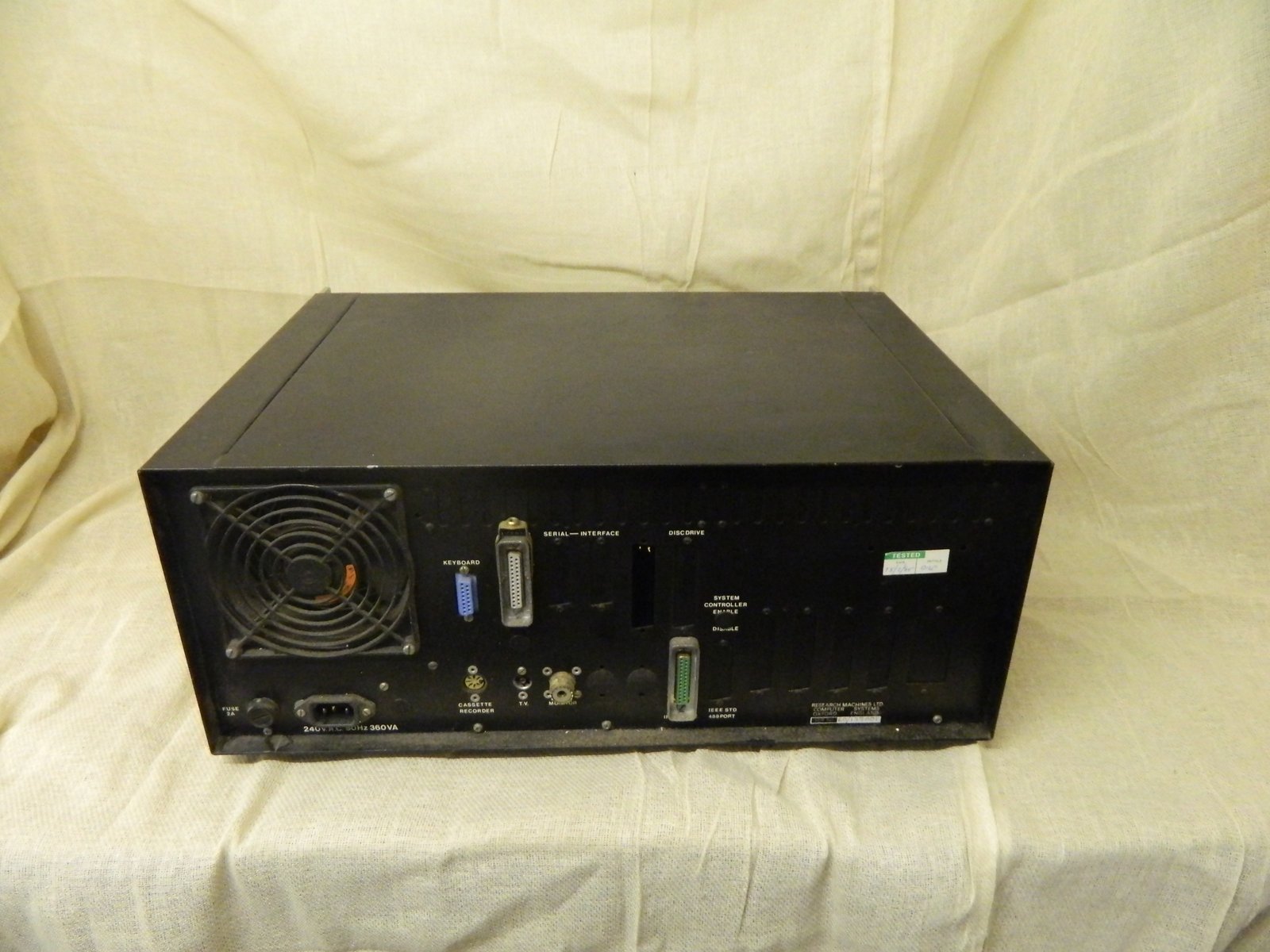
The case is a 19” type made from pressed steel and aluminium. It has a handle on each side. The front is dominated by the two full height floppy disk drives (8” drives were available IIRC), the Logo and the power switch/reset button combination.

It was possible to lock the machine off, on or locked. Off and on are self-explanitory and “Lock” disabled the reset button. Perhaps thought useful for public installations.

At the back there is a host of connections.

Keyboard. This uses a 15 way D-type socket. The keyboard uses a parallel interface down which the ASCII encoded characters are sent. There is a micro-controller on the keyboard PCB that looks after scanning and translating the key-presses.

Cassette. This uses the DIN socket typical of the time.

TV. The usual TV antenna socket. My unit doesn’t have a modulator and so this doesn’t work.

Monitor. A composite video output. Rather unusually the 380Z uses a SO259 socket much used on amateur radio equipment. This is a high quality connector and is still an expensive item. I don’t know of any other manufacturer of micros using this.

Serial port. A standard issue RS-232 port.

Another D25. I’m not sure about this one. When time permits I’ll go in and have another look.


There are plenty of other cut-outs covered by blanking plates so expansion was not a problem.

905120ac67ee5af602f0007b746eb790

Inside the case.


The photo above shows my machine with the lid off. The back of the machine is at the bottom of the photo, the front at the top.

As you can see, there is plenty going on.

Power Supply.

To the left you can see the power supply. Unlike later machines, this is not a self contained, switch-mode unit. Instead it is a linear supply made from a collection of components fixed to the nearest piece of case or folded aluminium. Working on it is quite tricky as a fair amount of the machine needs to be taken apart to get the the components. It’s not something that you can take out and hold in your hand.

Card cage.

Like the PSU this term is a bit of a misnomer as the cards stand between pairs of guide rails individually screwed to the bottom of the case. There is plenty of room here. As you can see, I have five cards and there is room for four more.

Floppy disk drives.

On the far right of the case is a pair of 5.25” floppy disk drives. I havent taken these out to check the model numbers but early machines had DSSD drives giving about 84kb per side. Unusually, each side was addressed independently and so A: and B: were different sides of the same drive.

The cards.

I you can see, I have five cards in my machine.

VDU80.
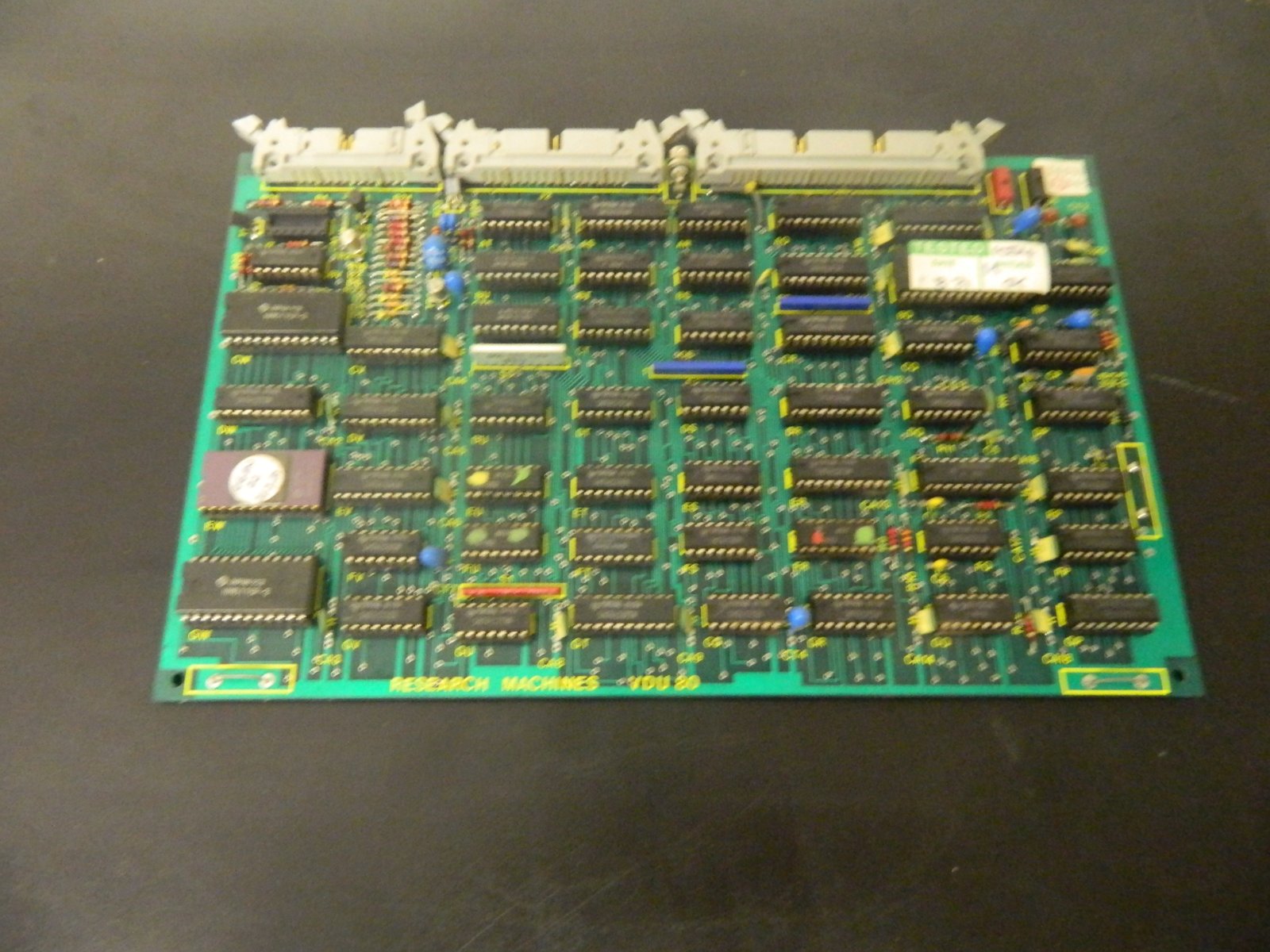
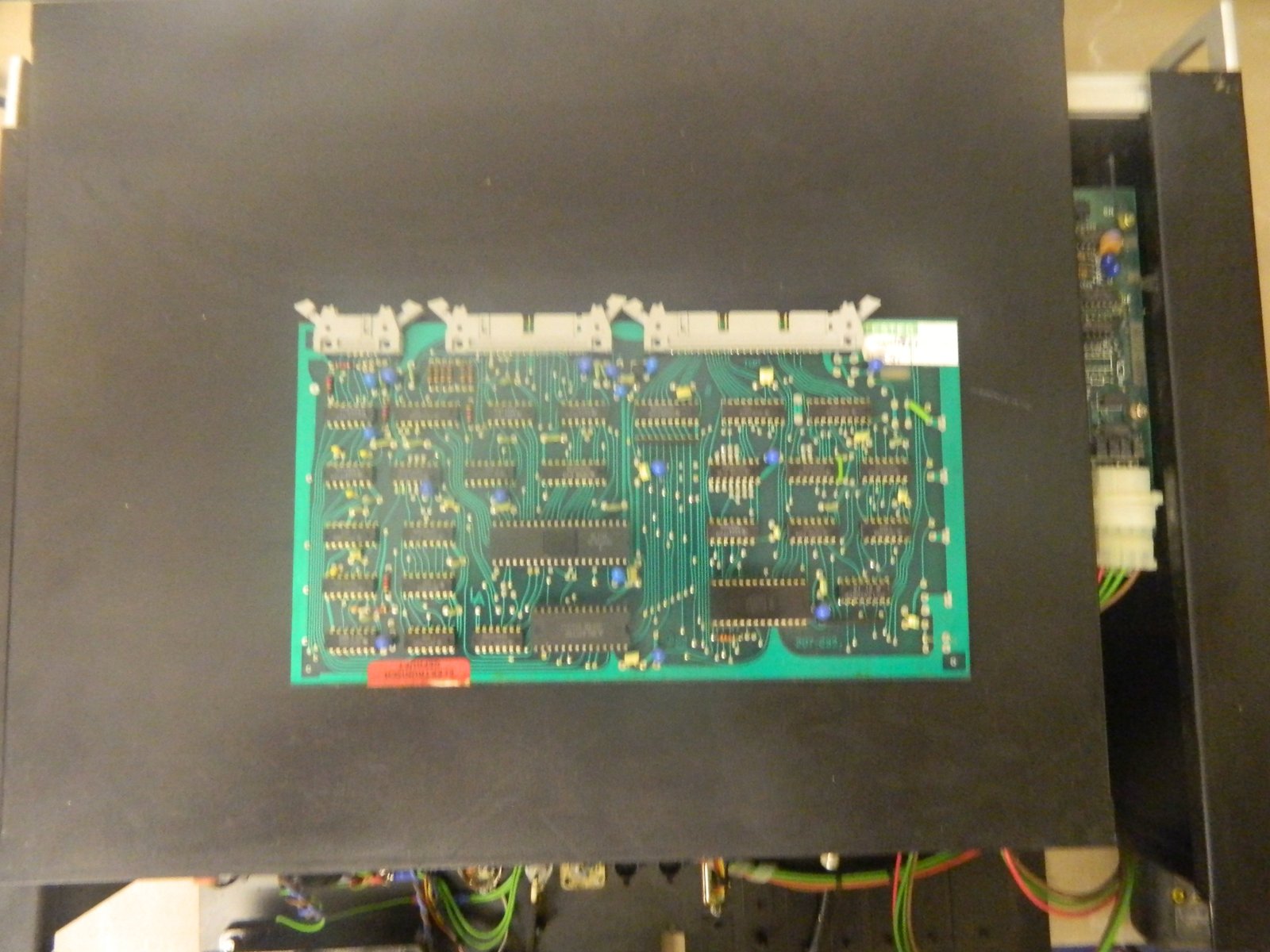
6529f6d02e0556c5885a5f2c392016f7Next to the power supply is the video card. This supports 80 columns and gives composite video out. I noted the high quality connector on the back of the case. There is just a pair of twisted wires running from the connector on the card to the SO-259 on the case. Not the highest quality solution.

CPU.
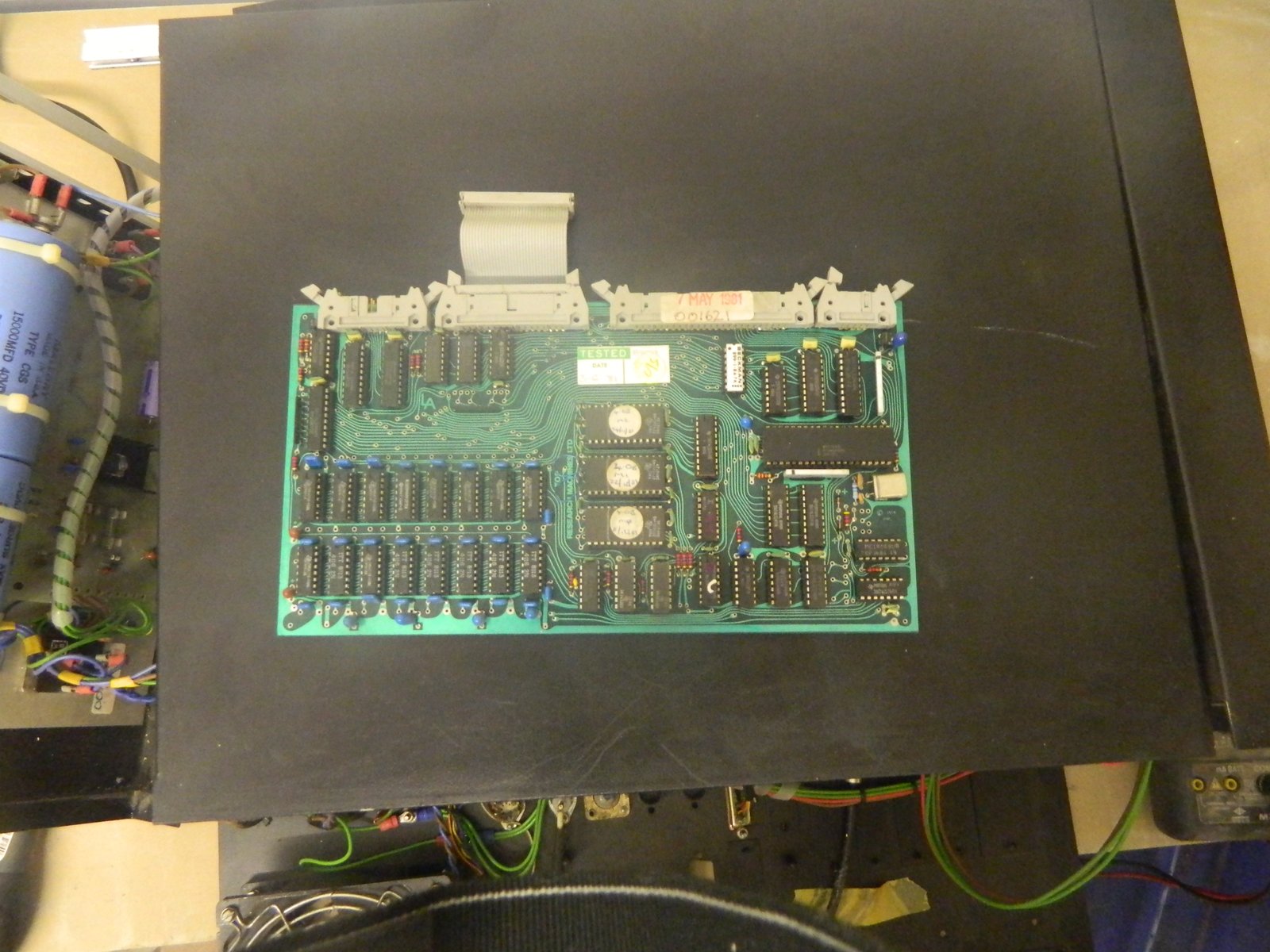
2813ff65f9d8f5ffb48290dbf2e581e4The CPU card contains the Z80 processor so typical of business machines of the age. It has 32kb RAM in 4116 DRAM chips (the Z80 looks after refresh) and three TMS-2716 2kb EPROMs. It’s unfortunate that they used the TMS 2716 EPROM as these are very hard to get hold of now and tricky to read as they require several power supplies. The “ordinary” 2716s only need 5v and so became far more popular.

32kb RAM card.
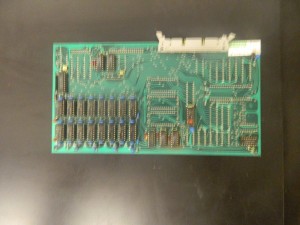
 

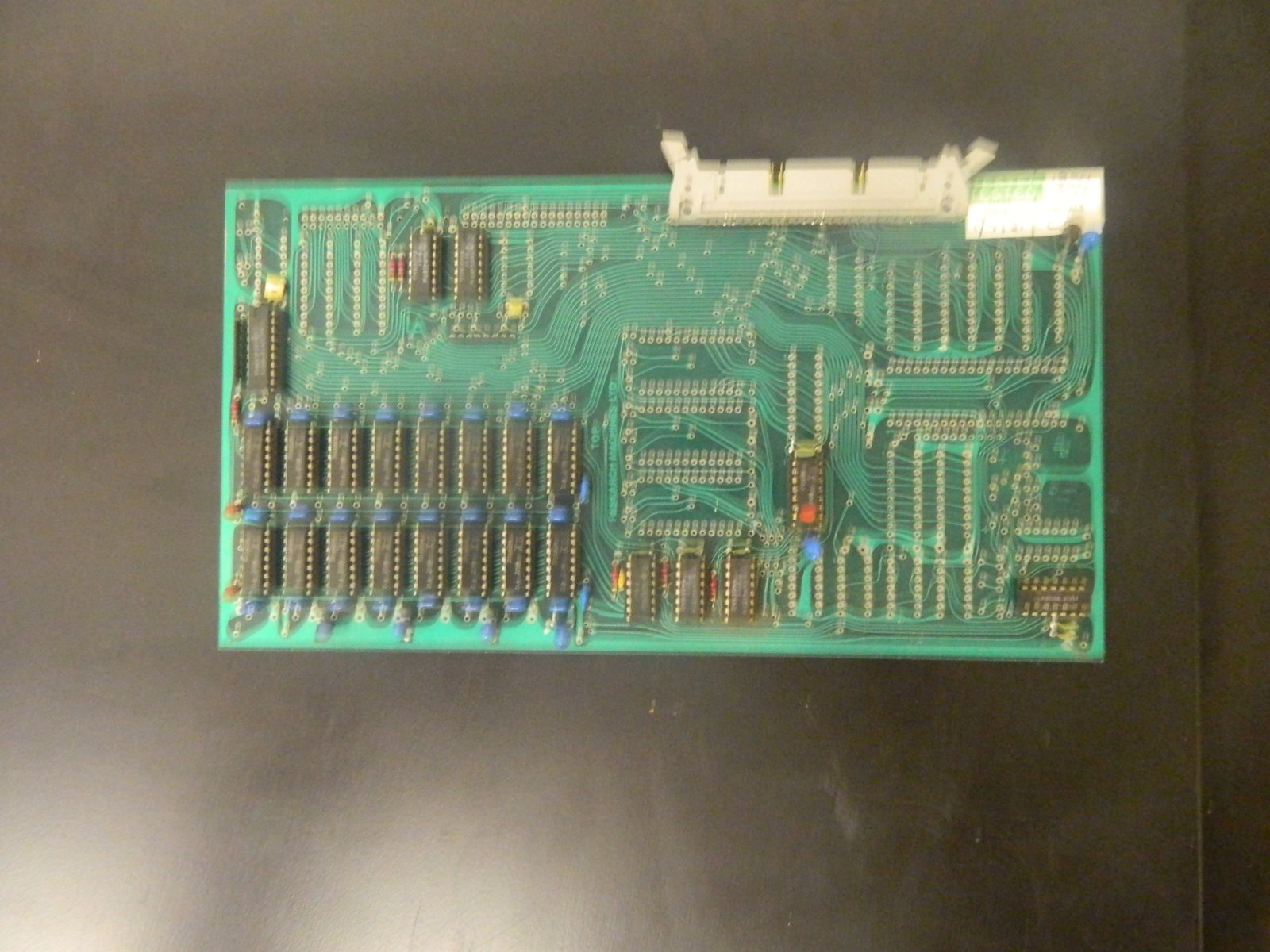
1c04cc10496f433a822af21e5ad8d5d5Another collection of 4116s gives another 32kb RAM, maxing out the Z80’s address space.

Floppy disk controller.
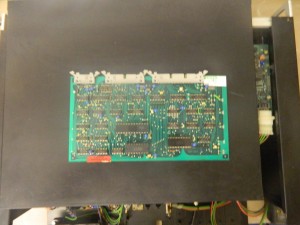
391d2f4079ff9d7e668fadedabdbd119This really needs a better photo 🙂

Bus terminator card.
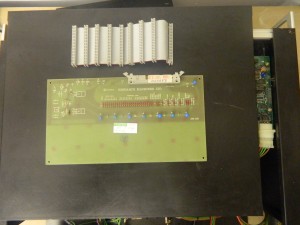
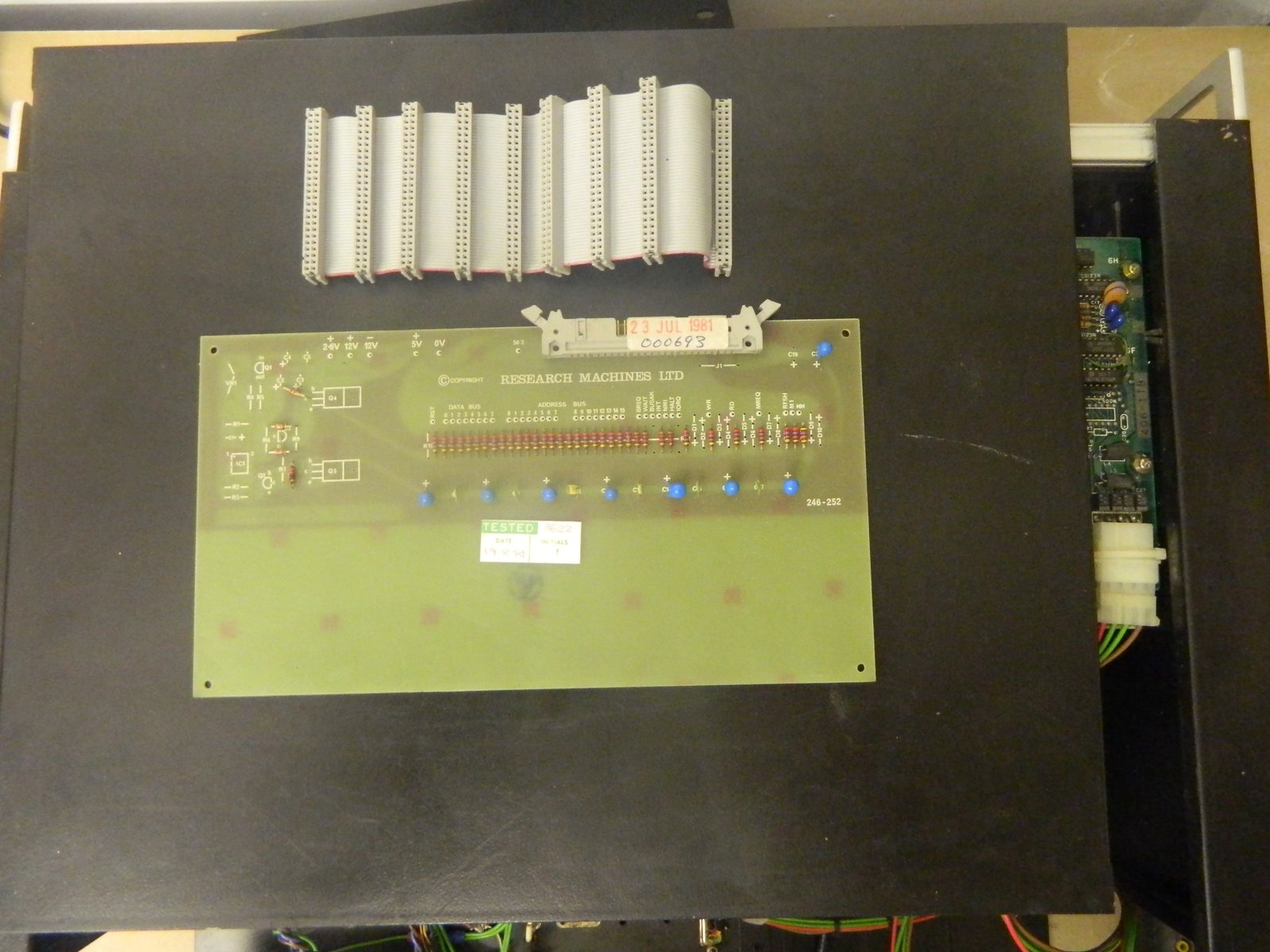
fd828ca323c3dfd912897b754c38e4c4Just a collection of resistors and test points really.

380Z – Hmmm

The 380Z seems to be my system of the month and is causing me head scratching. It’s becoming one of those puzzles where you have to slide pieces around but you can’t because something is always blocking them.


Memory

I have tried moving the DRAMs on the CPU card around by one socket. I’m not sure that this made any tangiable difference. The screen rubbish doesn’t have as many ‘C’s and ‘0’s in it but left long enough it changes anyway. Did it allways do that? Not sure.

I would really like to read the EPROMS but they’re TMS2716s and they are different to the run of the mill 2716s and so the EPROM programmer I was kindly lent by a friend won’t ready them without an adapter, which we don’t have.


Defying logic.

I have borrowed a logic analyser in an attempt to see what’s going on on the bus. As I mentioned before, in a previous post, the bus terminator card has a row of holes and each signal is brought out to one of them. I have soldered some header pins so I can pop the wires of the logic probe on to key sognals and see what’s going on.

The short answer is nothing. nada, nilque. The long answer is that the logic analyser isn’t playing ball. If I use the ‘scope I can see a clock, memory requests, M1 bipping up and down, activity on the data bus, _RD_ is low and the first eight or so lines on the address bus are wibbling as expected. It’s frustrating the analyser won’t work as that would be a great help.


More 380Z work.

The 380Z has got as far as displaying rubbish on the screen but no further. It’s quite a predicatable kind of rubbish from a sub-set of characters. Curious.

I have tried running with just the processor, VDU and the passive card that I think is for bus termination. The symptoms are the same. I started removing the chips on the CPU board one by one, using IPA to clean the pins and putting them back. After I had done about a third I just went for lifting the chips, squirting and reseating them.

I did get some different results but I had inadvertently missed a pin on one of the EPROMS. When I put it back where it belonged the machine went back to it’s old behaviour.

It was suggested to me that the EPROMS could have lost their memories by now as their expected life was around ten years so I will try and read them and verift them against some ROM images I have found through the 380Z group on Yahoo.


The bus terminator card has a row of holes for (I think) test pins, on every signal. I’m going to solder right angled header pins into these holes to get easy access to them and start probing about.

I also plan to shift the DRAM chips around by 1 socket and see if the fault changes.

Work on the 380Z

ba50d28dd19e2bd2f29366da7ed36617

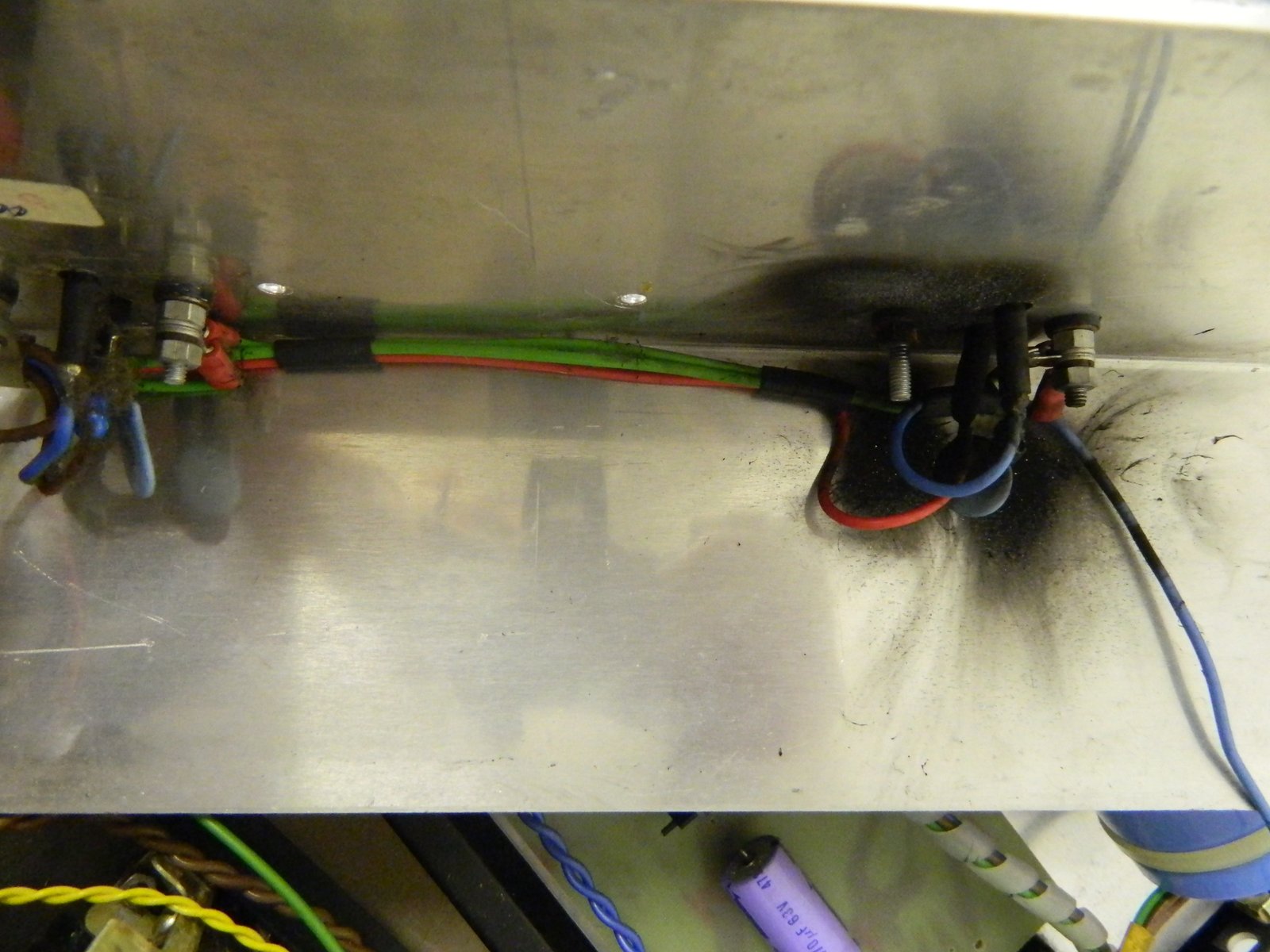
I’ve been having a look at the RML308Z recently. One of the capacitors in the power supply went pop when I first powered it on. This is not unusual for machines of this age and it’s a good idea to inspect the caps before powering on a new machine. I decided to chance it and POP.

It turns out to be a tantalum on the 12v and a visual inspection wouldn’t have shown anything.

It’s very easy to open the case and look at the boards, even to take them out but to get to the PSU is a right pain. There isn’t a PSU in the usual sense. There is a portion of the machine that takes mains electricity and passes it through a collection of seperate bits, all bolted to different parts of the case.

Anything beyond a board swap is a bit tricky.


Anyway. I haven’t got a suitable replacement cap so I snipped of the remains of the old one and re-assembled. A look at the circuit diagram show this is for taking out the ripple and so isn’t vital – I don’t think.

I’ve now powered it on again and it’s nearly working…

53e525645f5aa2c829d66d1d878e69f6

Toshiba T3100

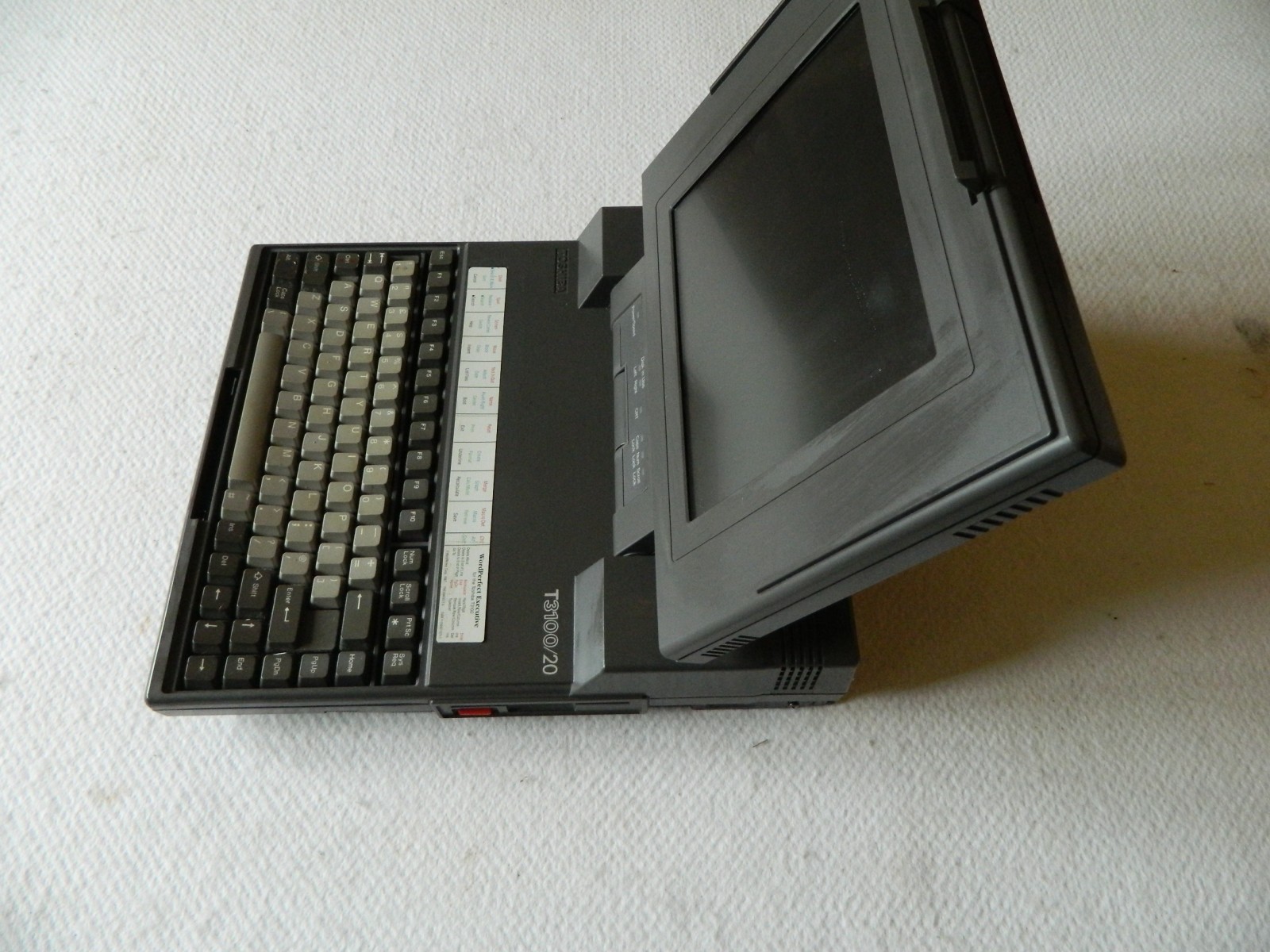
6fd47f77257fcea0341953d444ca31ceThis is a bit of a mundane machine to me really. An AT class portable from Toshiba.

Not a laptop by some peoples rules as it needs a mains lead and cannot run from batteries.

I quite like the glow of the orange mono gas plasma display. Was this a dead end technology? Not sure… Isn’t this the same basic thing as the plasma TVs?


Wang Laptop

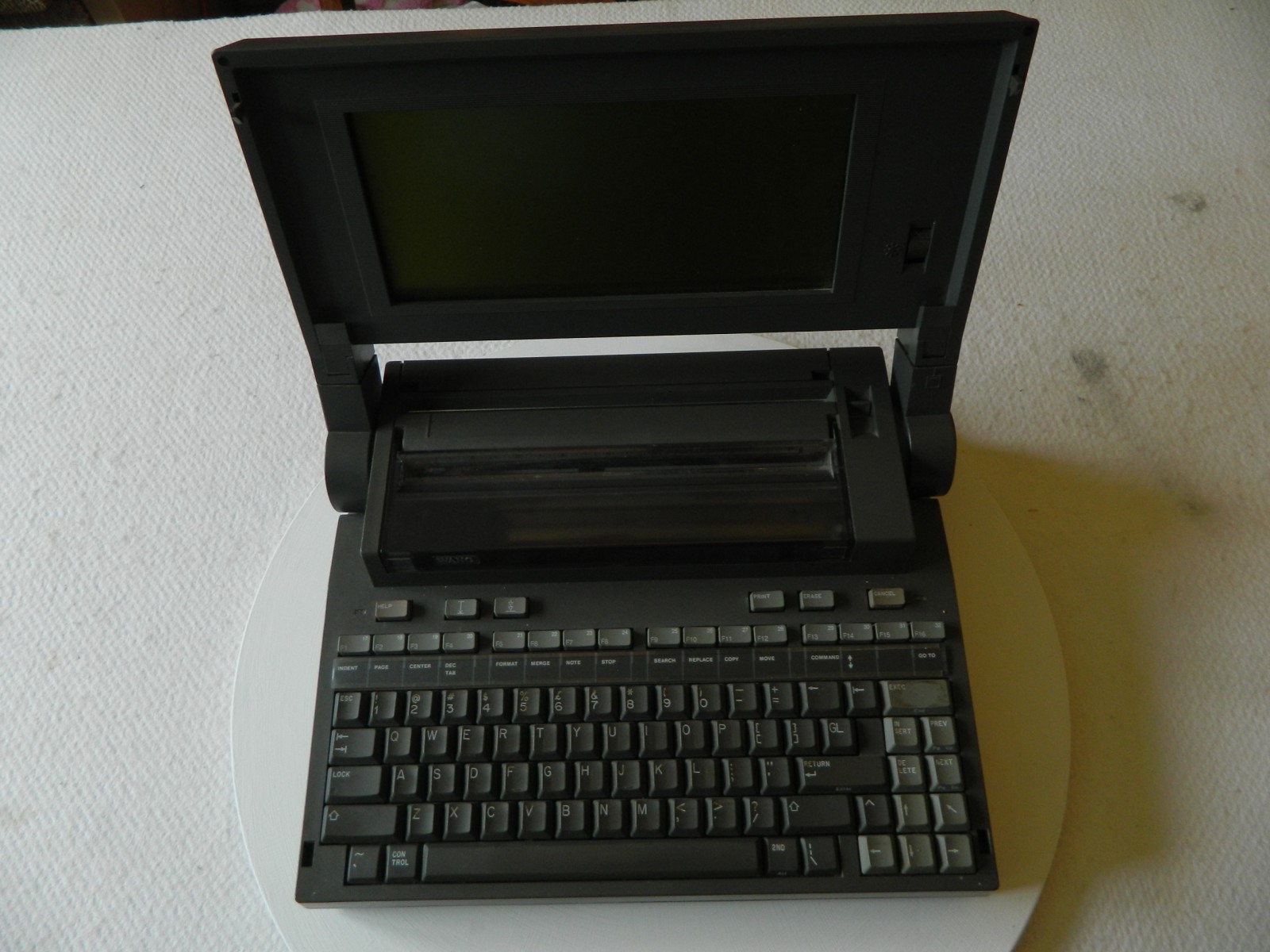
6b435e55d1efa322d29e755628f7b57eThis is a really unusual one.

Wang released their forray into the laptop market in 1985 and to be honest, it doesn’t seem to have made much of an impact. Just looking around for information on the ‘net doesn’t yield much and that must be saying something.


Technically it’s an x86 class machine with 640kb of RAM, and a mono LCD.


The unit is quite large, a goodly sized lap is needed here but for the period it’s quite good. Compaq’s sewing machine sized portable is not too far in the past and IBM’s PCAT is still in view.

The screen serves as the keyboard cover and opening it reveals a ful sized keyboard with nice keys full travel. It also reveals a thernal printer.

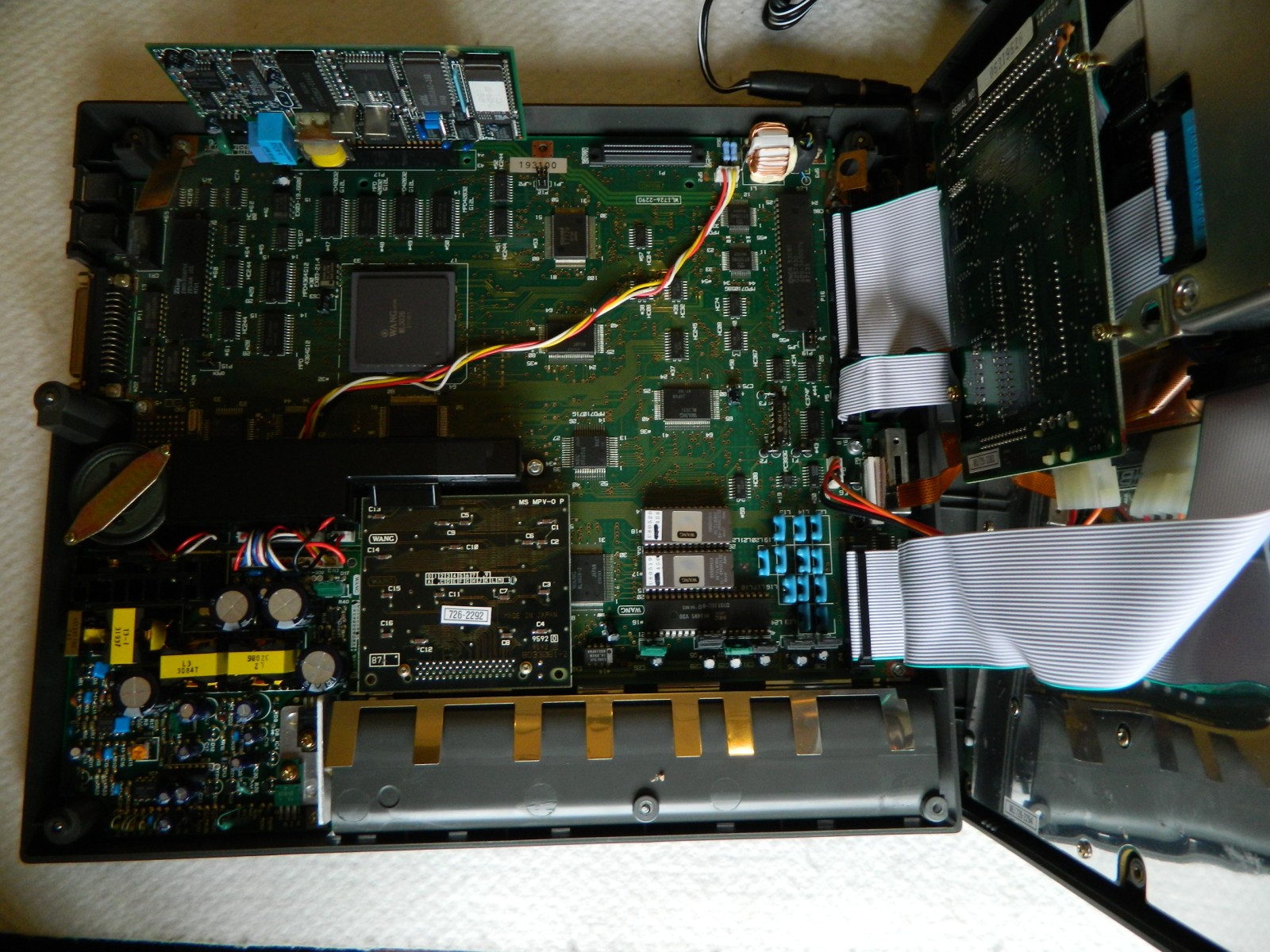
1de2a76c1adf95a3835bc0a7f62bcb6cInternally there is a hard disk drive but no floppy. An external drive is provided. I suppose that the logic was that you only plug in the floppy when you need it, the rest of the time you will be working from the hard disk.

Another unusual feature of this machine is the the external floppies (both 3.5″ and 5.25″ were available) are linked using SCSI. That’s very unusual. As this is before the advent of USB, SCSI was a sensible choice for removable devices as the connectors were tough and it could haul the distance without problems. Still and expensive and unusual choice. The first IBM PC floppy card could take two external drives and there just use the normal floppy bus.

Power is provided by a weighty external PSU and this “T”‘ off to power the floppy.